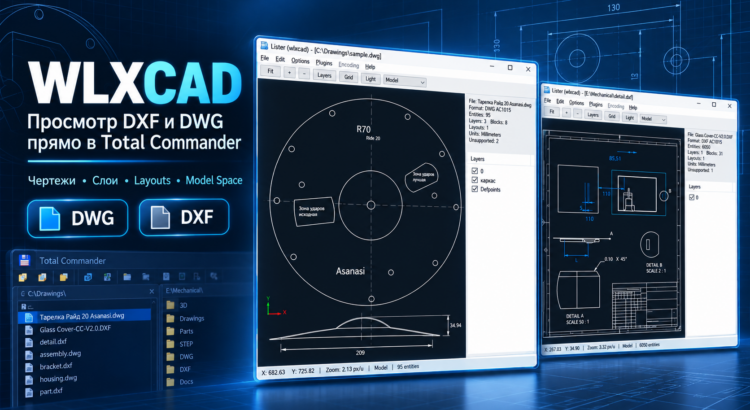
WLXCAD — View DWG and DXF Files Directly in Total Commander

WLXCAD is a free Lister plugin for Total Commander that allows you to open and view DWG and DXF drawings directly in the built-in Lister viewer (F3) or the Quick View panel (Ctrl+Q).

With WLXCAD, you no longer need to launch AutoCAD, nanoCAD, BricsCAD, or other resource-intensive CAD applications just to preview a drawing. Simply select a DWG or DXF file in Total Commander and press F3 — the plugin will load and display the drawing.

WLXCAD is especially useful for engineers, architects, designers, construction professionals, and anyone who regularly works with technical documentation, floor plans, architectural drawings, and CAD projects.

Read More
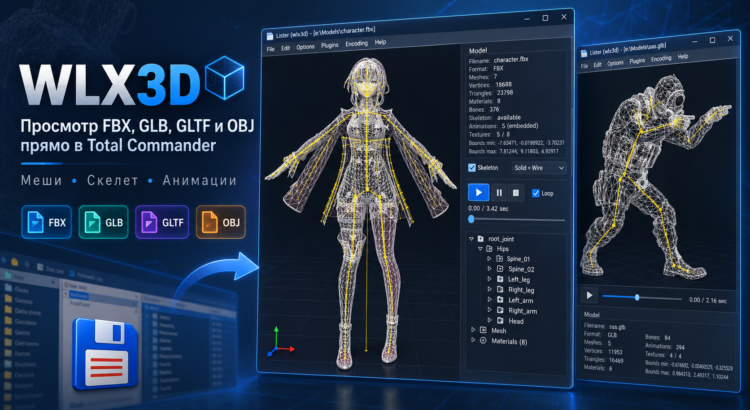
WLX3D — View FBX, GLB, GLTF and OBJ Files Directly in Total Commander

WLX3D is a free WLX plugin for Total Commander that allows you to open and preview 3D models directly in the built-in Lister with F3 or in Quick View mode.

The plugin is designed for fast inspection of game-ready 3D assets without launching Blender, 3ds Max, Maya, or a separate 3D viewer. Simply select a model file in Total Commander and immediately inspect its geometry, materials, textures, skeleton, and available animations.

Supported 3D formats include:

  • FBX
  • GLB
  • GLTF
  • OBJ

WLX3D is especially useful when working with large collections of game models and assets for Godot, Unity, Unreal Engine, Blender, modding, and game development.

Read More