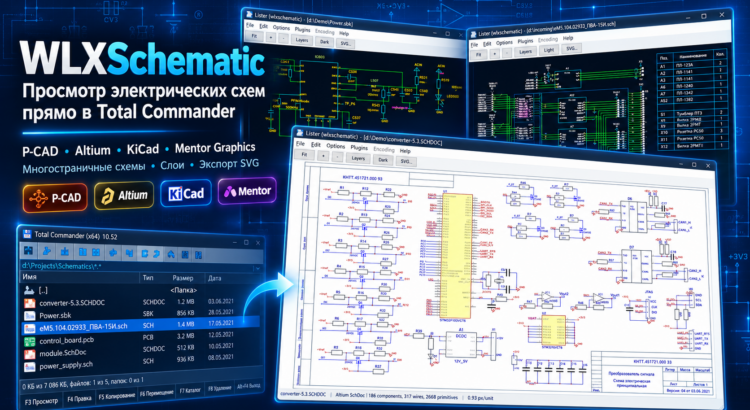
WLXSchematic is a free Total Commander plugin that allows you to quickly open and view electrical schematics directly in the file manager, without launching heavy CAD software or installing the original design applications.
The plugin supports popular electronic schematic formats, including P-CAD 2006, Altium Designer, and Mentor Graphics. To preview a schematic, simply select a file in Total Commander and press F3, or use Ctrl+Q for Quick View mode.
Supported Electrical Schematic Formats
- SCH (P-CAD 2006) — View P-CAD electrical schematics, electronic components, wires, reference designators, text labels, and drawing frames.
- SchDoc, SchDot (Altium Designer) — Open and view Altium Designer schematic documents and templates, including electronic symbols, electrical connections, annotations, and graphical elements.
- SBK (Mentor Graphics) — View Mentor Graphics electrical schematics with support for symbols, connections, labels, and multi-page documents.
WLXSchematic displays schematics as vector graphics, allowing you to zoom in and out without losing image quality and easily inspect even the smallest details of complex electronic designs.
Read More